Subscribers and Management
StatiBeat includes subscriber workflows for updates and self-service management.
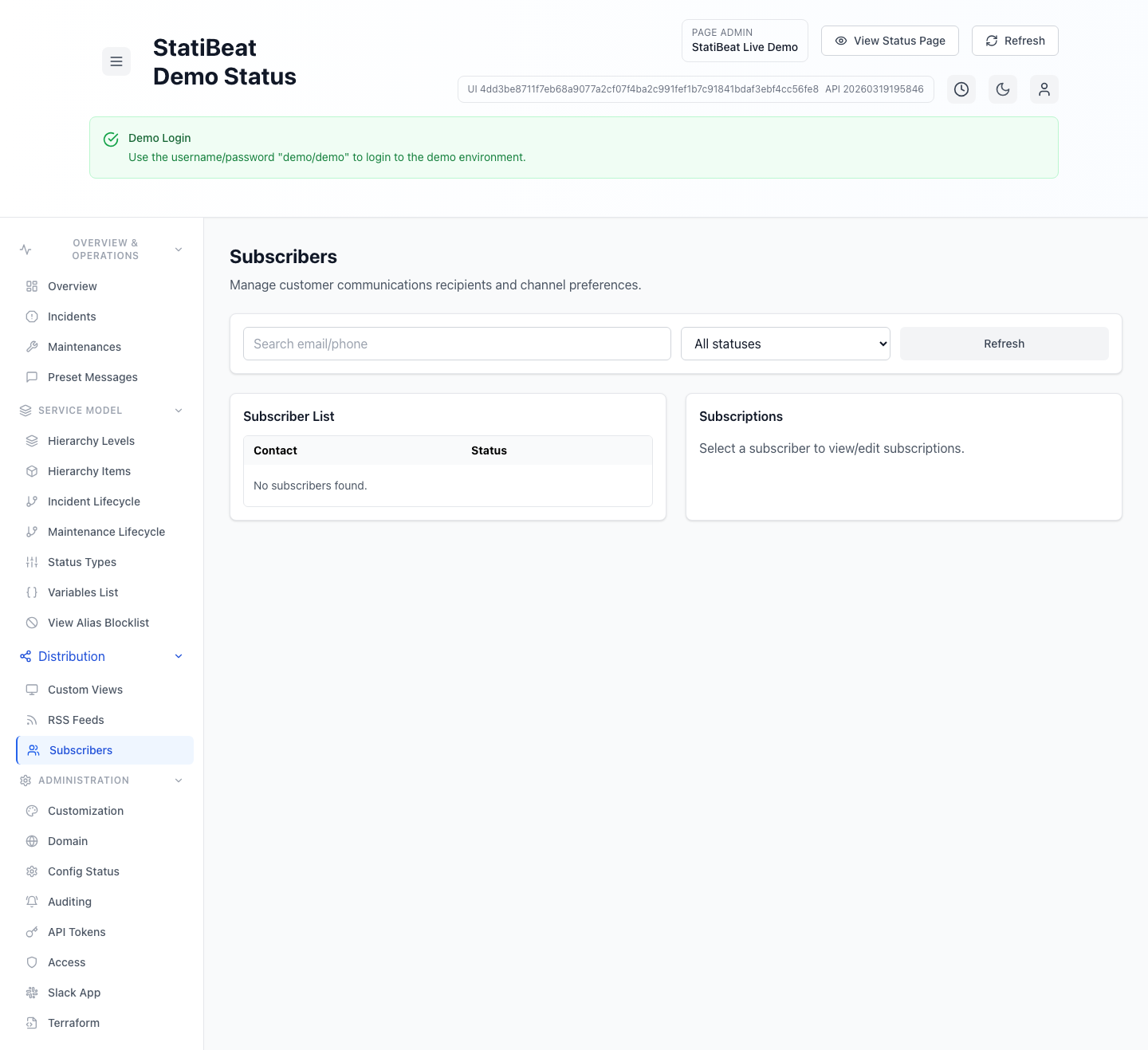
Subscriber management is where communication preferences become operational, because this is the layer that turns incidents and maintenance events into real recipient-specific delivery settings.
Subscriber access flow
The public subscription access page lets a user enter an email address and request a one-time management link.
That flow is implemented in application/frontend/src/pages/SubscriberAccessPage.jsx and calls the management access endpoint.
What page-admin subscriber management supports
The page-admin subscriber screen currently supports:
- searching by email or phone
- filtering by subscriber status
- loading a subscriber
- editing that subscriber’s subscriptions
- saving updated channel and scope preferences
Management workspace
The subscriber management workspace supports three main resource types:
- subscriptions
- custom views
- RSS feeds
From the current frontend code, users can:
- create subscription profiles
- manage channel preferences
- scope subscriptions to selected components
- enable incident and maintenance event delivery
- manage custom views they own or control
- manage RSS feeds they own or control
- assign and remove managers for managed resources
The management workspace is broader than the page-admin subscriber screen. It is the self-service surface for resource owners and managers, not just a subscriber lookup page.
These flows are implemented in application/frontend/src/pages/SubscriberManagementPage.jsx and backed by the /manage/* scoped routes in the backend.
Admin subscriber management
The page admin UI also includes a dedicated subscribers section where admins can:
- search subscribers
- filter by status
- open a subscriber
- edit that subscriber’s subscriptions
This surface is implemented in application/frontend/src/pages/admin/SubscriberManagement.jsx.
Why this matters operationally
The admin subscriber screen is useful when support or operations teams need to fix a customer’s comms setup directly, while the self-service management workspace is better when the customer or delegated manager should control those settings themselves.