API Tokens
StatiBeat includes page-admin API token management for programmatic access to the StatusPage API.
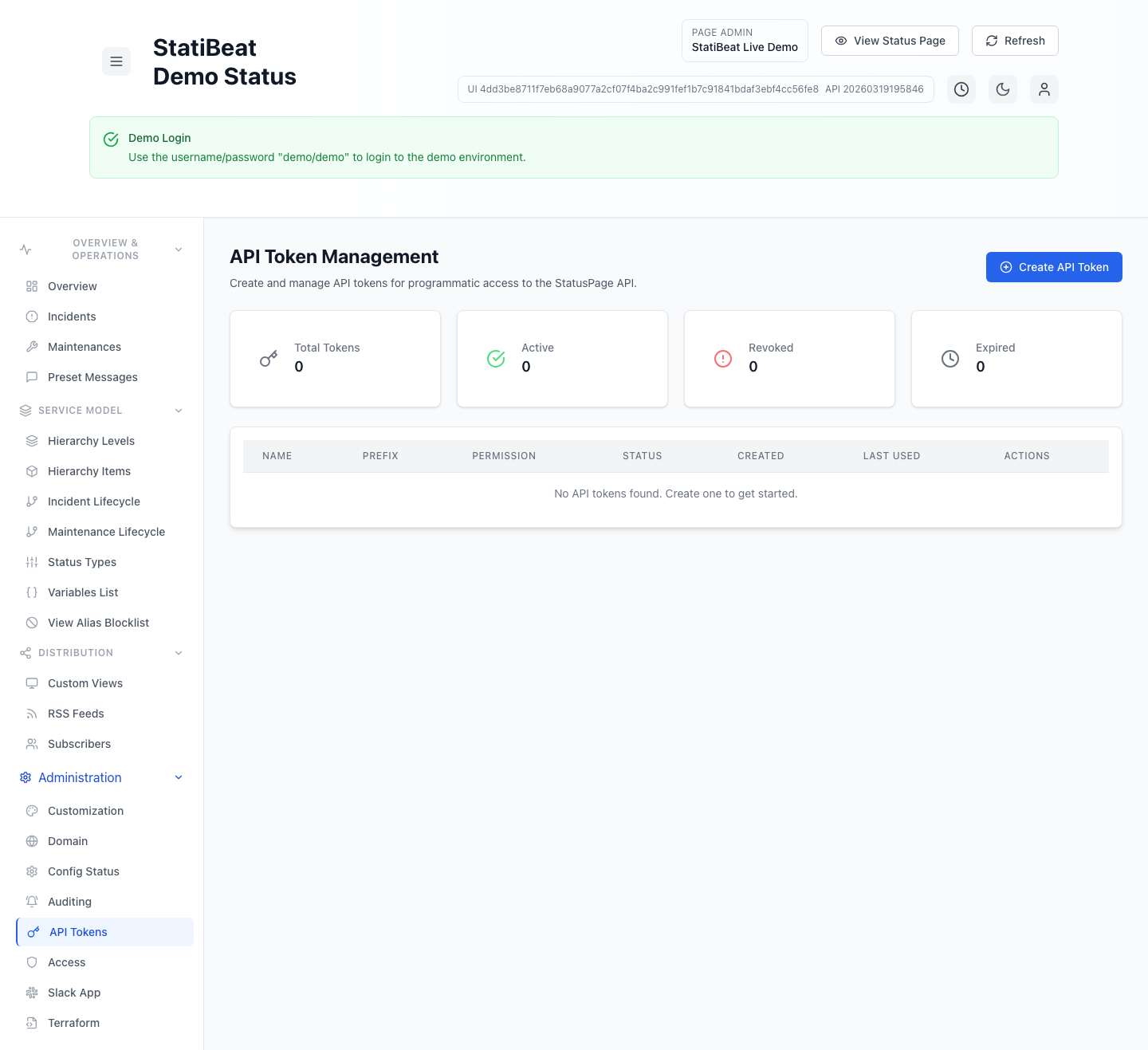
Create tokens with the narrowest permission and page role that still fit the job. The current UI distinguishes between API method scopes and RBAC feature access.
This guide is based on:
application/frontend/src/pages/admin/APITokenManagement.jsxapplication/backend/cmd/server/routes.goapplication/frontend/src/services/api.js
What the token screen supports
The current token UI supports:
- create token
- list tokens
- revoke token
- delete token
- inspect audit log
- view token statistics
The stats cards currently track:
- total
- active
- revoked
- expired
Token fields
When creating a token, the current form supports:
namedescriptionnotespermissionrole_keyvia theRBAC Roleselectorterraform_managedexpires_at
The frontend also filters out session tokens from the list so this view stays focused on actual API credentials.
Permission levels and RBAC roles
The current UI exposes three permission levels:
readwriteadmin
In the backend route guards, token scopes are enforced against admin-read, admin-write, and admin-admin style access patterns.
The token form also requires an RBAC Role selection. In the current page-scoped admin surface:
permissioncontrols which API method scopes are attached to the tokenRBAC Rolecontrols which page-admin features the token can access inside the scoped workspace
That means two tokens with the same permission level can still differ in what they are allowed to manage if they are assigned different page roles.
Role selection behavior
The current role selector uses page roles from the RBAC catalog.
- built-in page roles are always available
- custom page roles are assignable when advanced RBAC is enabled
- if the workspace is below advanced RBAC, existing custom-role tokens can still appear in the list, but new token creation falls back to built-in roles only
The token table also shows the resolved RBAC role next to the permission badge so admins can see both layers of access at a glance.
Token lifecycle
A token in the current system can be:
- active
- revoked
- expired
The UI distinguishes those states visually, and the backend exposes audit-log and validation endpoints for token management flows.
Revocation and deletion
The current token management screen treats revocation and deletion as separate operations.
- revocation asks for a reason
- deletion is a permanent removal flow
That separation is useful because revocation preserves more operational context, while deletion is a stronger cleanup action.
The token value itself is sensitive. The current UI includes a dedicated token-display modal because the raw token is something you should capture and store safely at creation time.
Terraform-managed tokens
The token create flow includes a terraform_managed flag.
That lines up with the broader product emphasis on Terraform workflows. In the current admin UI, Terraform-managed tokens are the credentials expected to update features that have been locked for Terraform governance in customization settings.
That is a strong signal that you should document which tokens are intended for automation versus interactive use.
Practical guidance
Good token practices in StatiBeat usually mean:
- set an expiration when possible
- use
readfor reporting and observation use cases - use
writeonly where automation truly needs mutation - reserve
adminfor tightly controlled automation or platform administration - revoke before delete when you want an audit trail of operational change
Why this matters for docs and automation
Once teams start using API tokens for Terraform, scripts, or integrations, those credentials become part of the operating model. Documenting token ownership, intended scope, and expiry policy makes incidents and offboarding much easier later.