Preset Messages and Variables
Preset messages let your team reuse common incident and maintenance copy instead of rewriting the same updates under pressure.
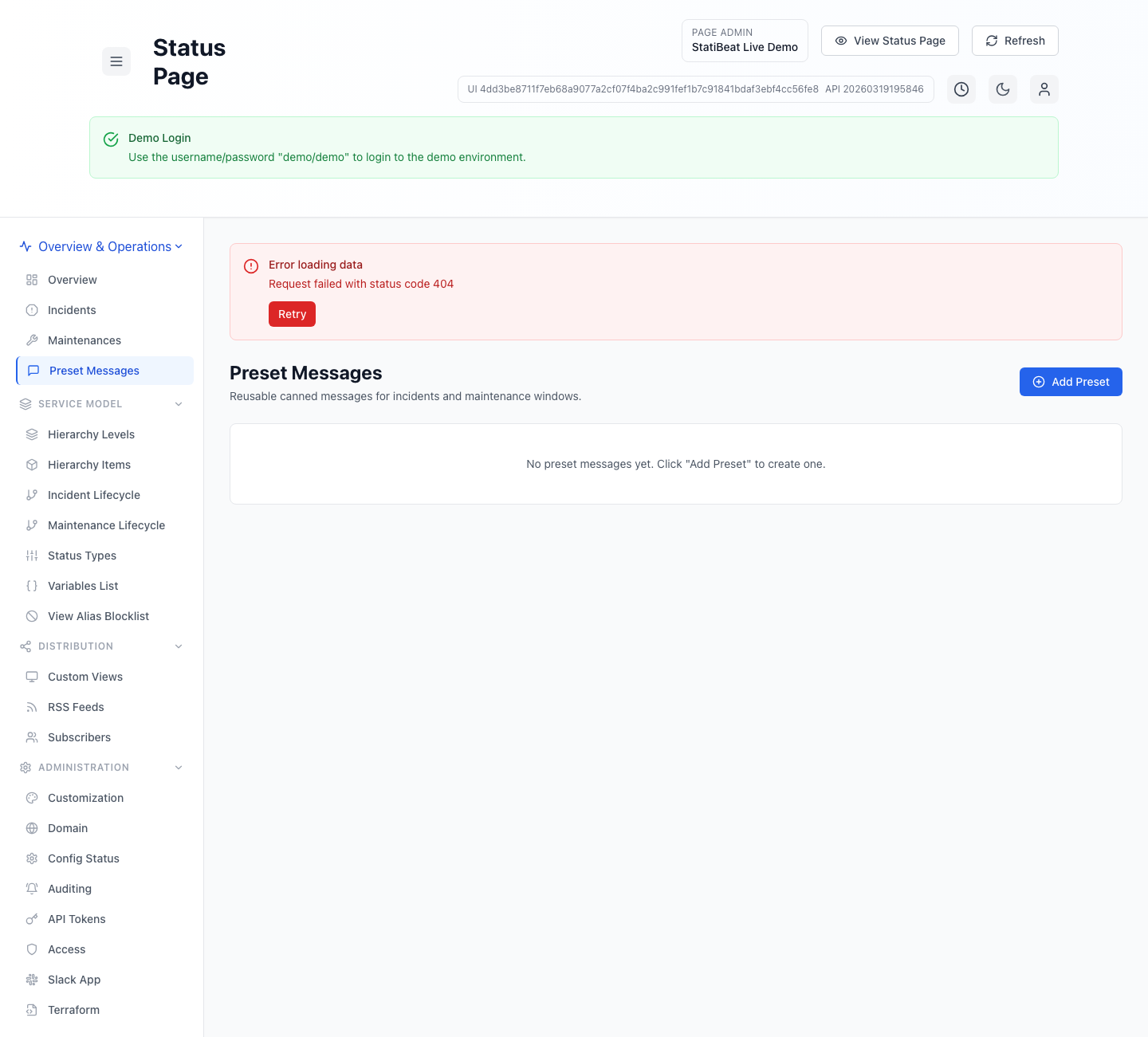
Preset messages work best when they provide a strong starting point but still leave room for incident-specific detail.
This guide is based on:
application/frontend/src/pages/admin/PresetMessageManagement.jsxapplication/frontend/src/components/admin/InlinePresetForm.jsxapplication/frontend/src/constants/presetVariables.jsapplication/frontend/src/pages/admin/VariablesList.jsx
What a preset includes
The current preset form supports:
TitleCategoryBodyAutomatically post on maintenance startAutomatically post on maintenance completion
The supported built-in categories in the current frontend are:
generalincidentmaintenanceincident_impactmaintenance_impactsynthetic_warningsynthetic_criticalsynthetic_recovery
Variable support
Preset bodies support template variables.
The current inline form explicitly highlights:
{{Hierarchy-Item-Name}}
The shared variable catalog also supports level-based variables. For example, the current implementation can generate values such as:
{{impacted-product}}{{impacted-service}}{{impacted-level-1}}{{impacted-level-2}}
Beat-driven automations add a second family of variables. Current examples include:
{{Monitor-Name}}{{Monitor-Stage}}{{Evidence-Summary}}{{Latest-Latency-Ms}}{{Latest-Status-Code}}{{Latest-Region}}{{Latest-Certificate-Days-Until-Expiry}}{{Browser-Capture-Status}}{{Mtr-Capture-Status}}{{Target-Url}}
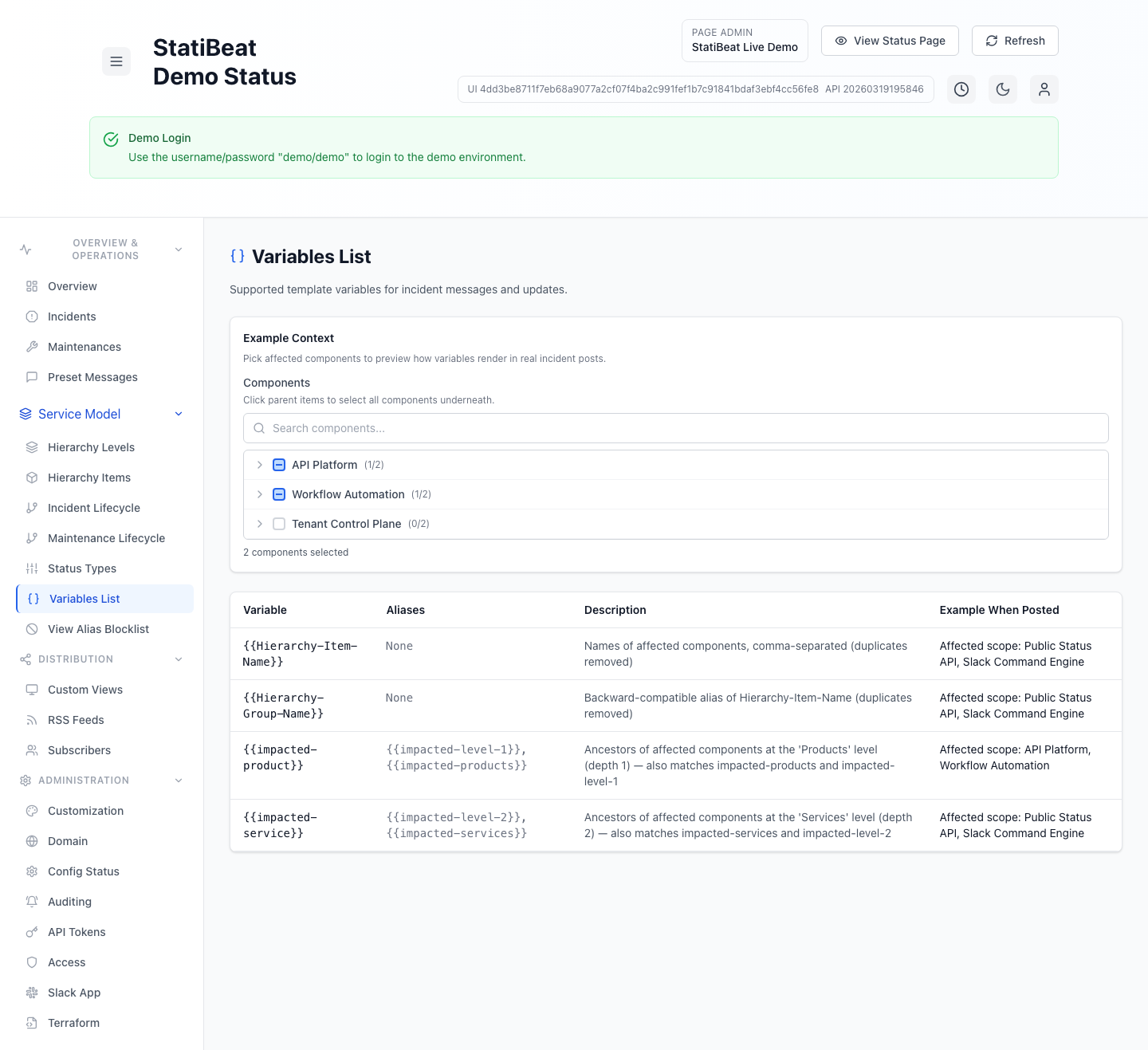
The variables list page lets admins pick affected components and preview what hierarchy-driven variables would render to in a real incident context. Beat-specific variables are resolved when a beat action is actually created.
How variable resolution works
Based on the current implementation:
- affected item names are deduplicated
- parent hierarchy levels can also be resolved from selected items
- variables are substituted into message text when values are available
That means one preset can stay generic while still rendering customer-specific impact scope from the selected hierarchy items.
Maintenance automation defaults
Preset messages can also carry maintenance automation flags.
The current UI supports:
- auto post on maintenance start
- auto post on maintenance completion
These make presets useful not only as templates, but also as default operational behaviors for planned maintenance communication.
Beat automation messages
The same preset system is also used by Beats.
In the current application, a beat can reuse preset-backed message templates for:
- warning-stage notifications
- critical-stage incident opens
- critical-stage follow-up updates
- recovery notifications or resolution drafts
That is why the synthetic preset categories exist alongside incident and maintenance categories.
Practical guidance
Good presets usually:
- describe the situation clearly without assuming root cause too early
- use variables where affected scope changes often
- separate customer-facing impact from internal diagnosis
- keep maintenance start and completion messages distinct
Example pattern for a reusable incident preset
A good starting pattern is: acknowledge the issue, state the affected scope with variables, state what customers may see, and confirm that investigation is underway.
Variables improve consistency, but they do not replace judgment. A technically correct variable expansion can still be confusing if the underlying hierarchy is poorly named.
Related docs
- See Designing Your Hierarchy
- See Incidents and Maintenance
- See Beats
- See Public Status Pages