Organization Admin
The /admin workspace in StatiBeat is reserved for tenant-wide administration rather than day-to-day page operations.
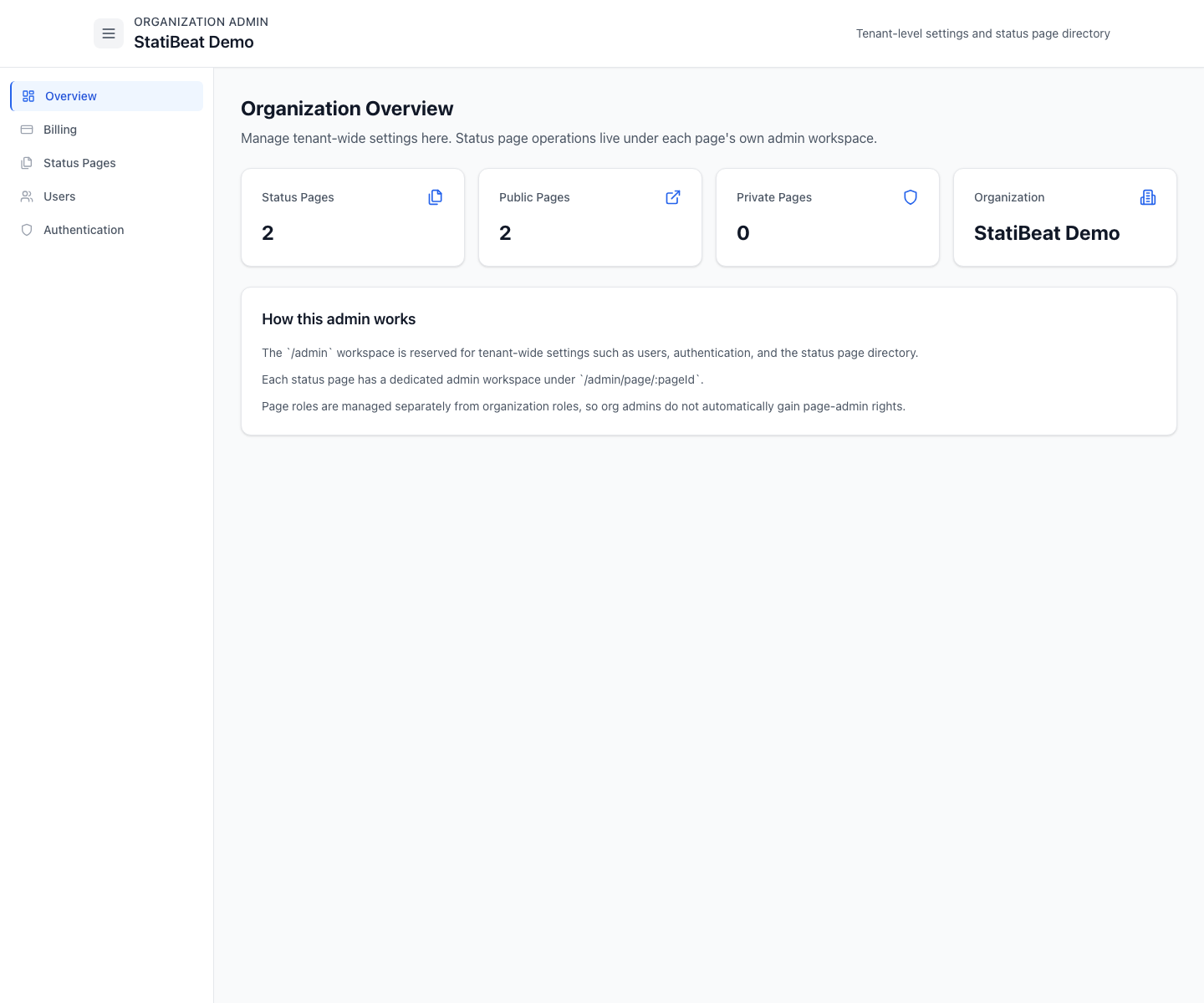
Think of org admin as the tenant control plane. Page admin is where incident communication and status-page operations actually happen.
This guide is based on:
application/frontend/src/pages/OrgAdminDashboard.jsxapplication/frontend/src/pages/admin/StatusPagesManagement.jsxapplication/frontend/src/pages/admin/OrganizationUsersManagement.jsxapplication/frontend/src/pages/admin/BillingManagement.jsxapplication/frontend/src/pages/admin/OIDCManagement.jsx
What org admin is for
The current org admin workspace covers:
- overview
- billing
- status pages
- users
- authentication
The overview page explicitly explains the split:
/adminis for tenant-wide settings/admin/page/:pageIdis the dedicated admin workspace for a specific status page- org roles and page roles are separate
Status pages directory
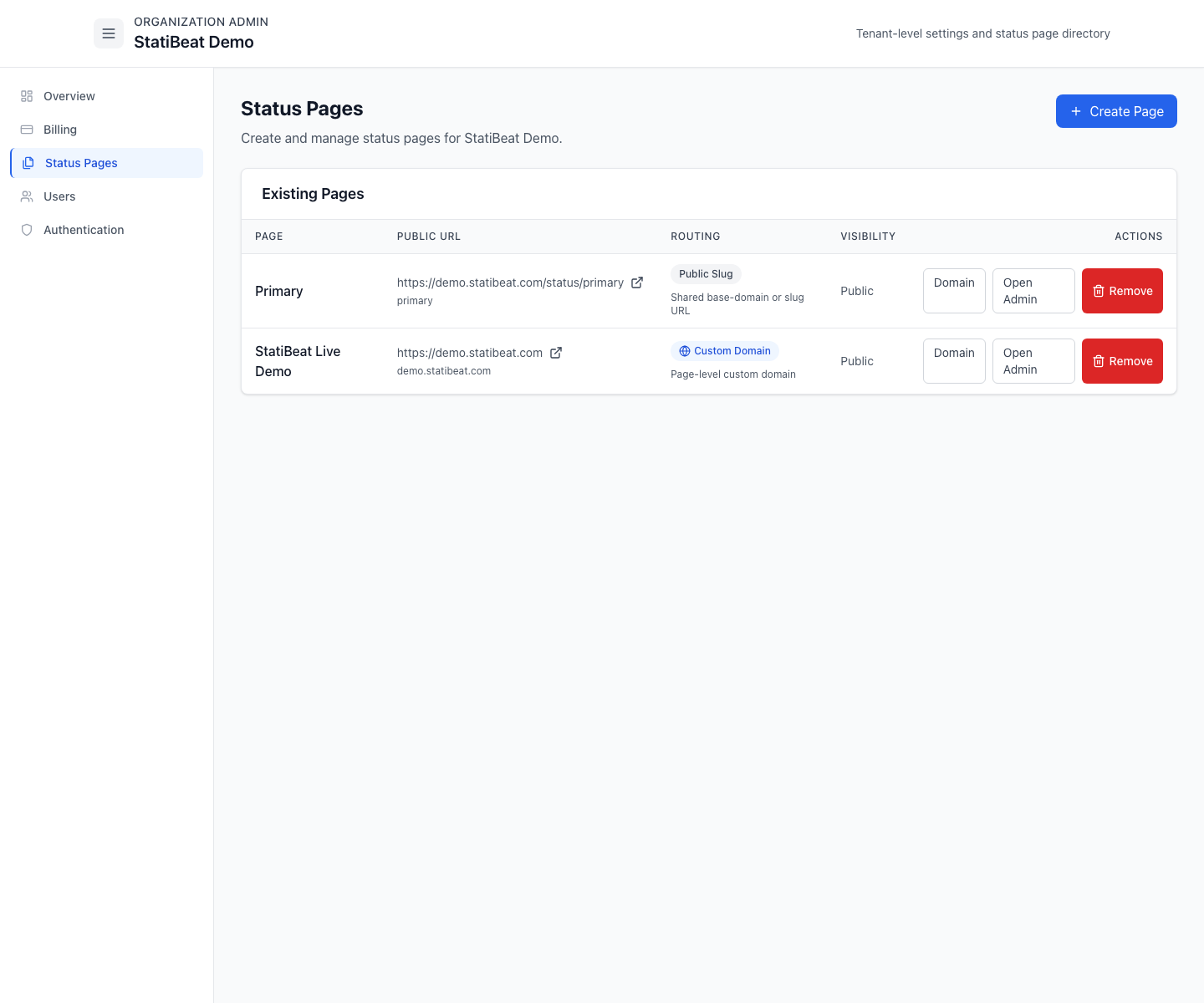
The status page directory lets org admins create and manage the set of pages that belong to the tenant.
The current screen supports:
- create status page
- import a page from Atlassian Statuspage
- list existing pages
- move a page to trash
- restore a recently deleted page for 7 days
- open page admin
- jump into page routing and domain settings
The create flow currently includes:
- page name
- internal key
- URL prefix
- visibility
- shared viewer password when the new page is private
The import flow uses the same core fields plus:
- source Atlassian Statuspage URL
- optional imported page name override
- shared viewer password when the imported page should start private
Deleted pages stay in a Recently Deleted list until the purge deadline passes.
Users
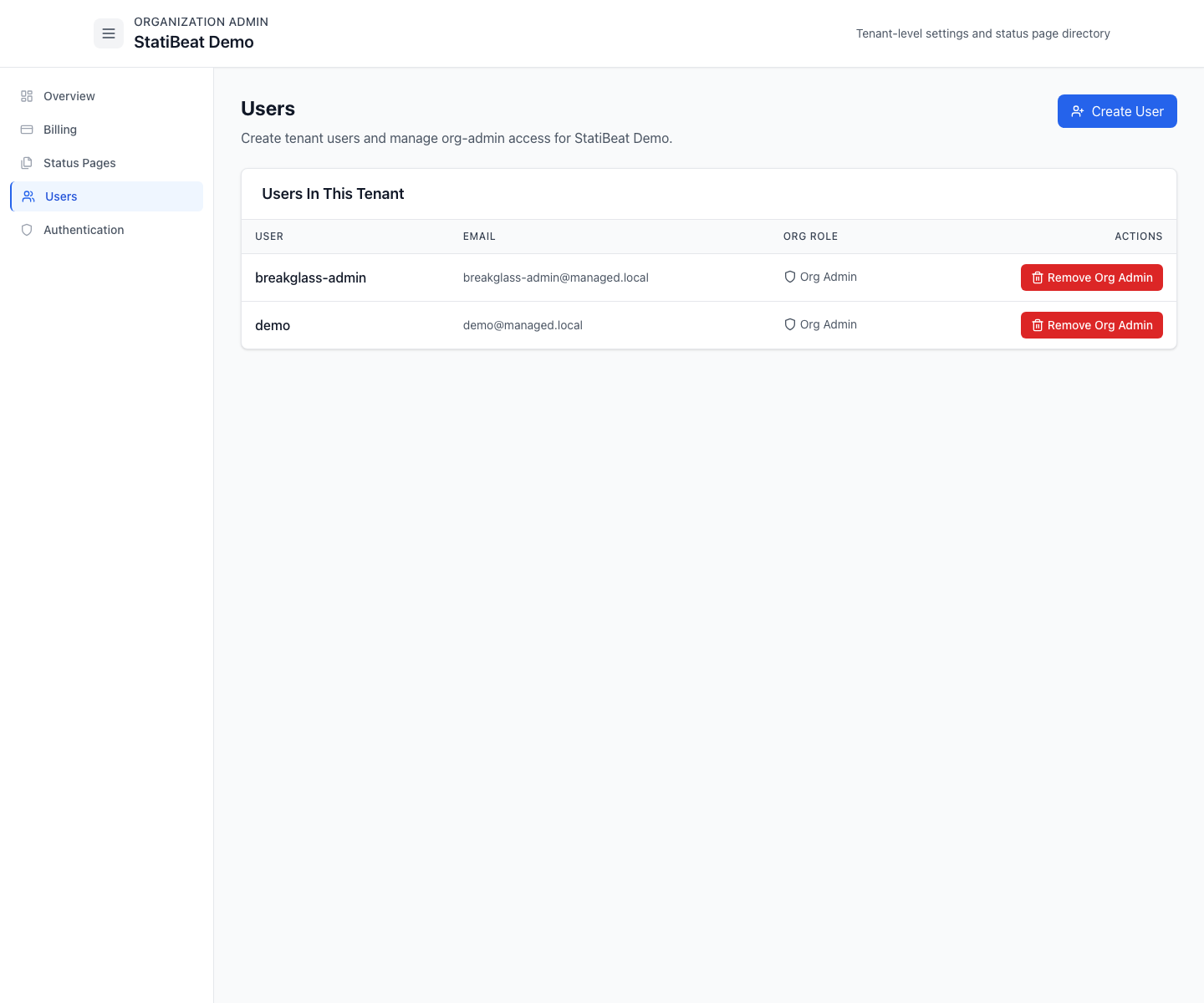
The org users screen handles tenant users and org-admin membership.
The current UI supports:
- create user
- assign optional org-admin role at creation
- list users in the tenant
- remove org-admin access
When advanced RBAC is available, the same workspace also supports custom organization-scoped role definitions for user, page, billing, and admin-auth operations.
It also makes an important distinction: if a user is not an org admin, page access is managed from the page-admin side instead.
Billing
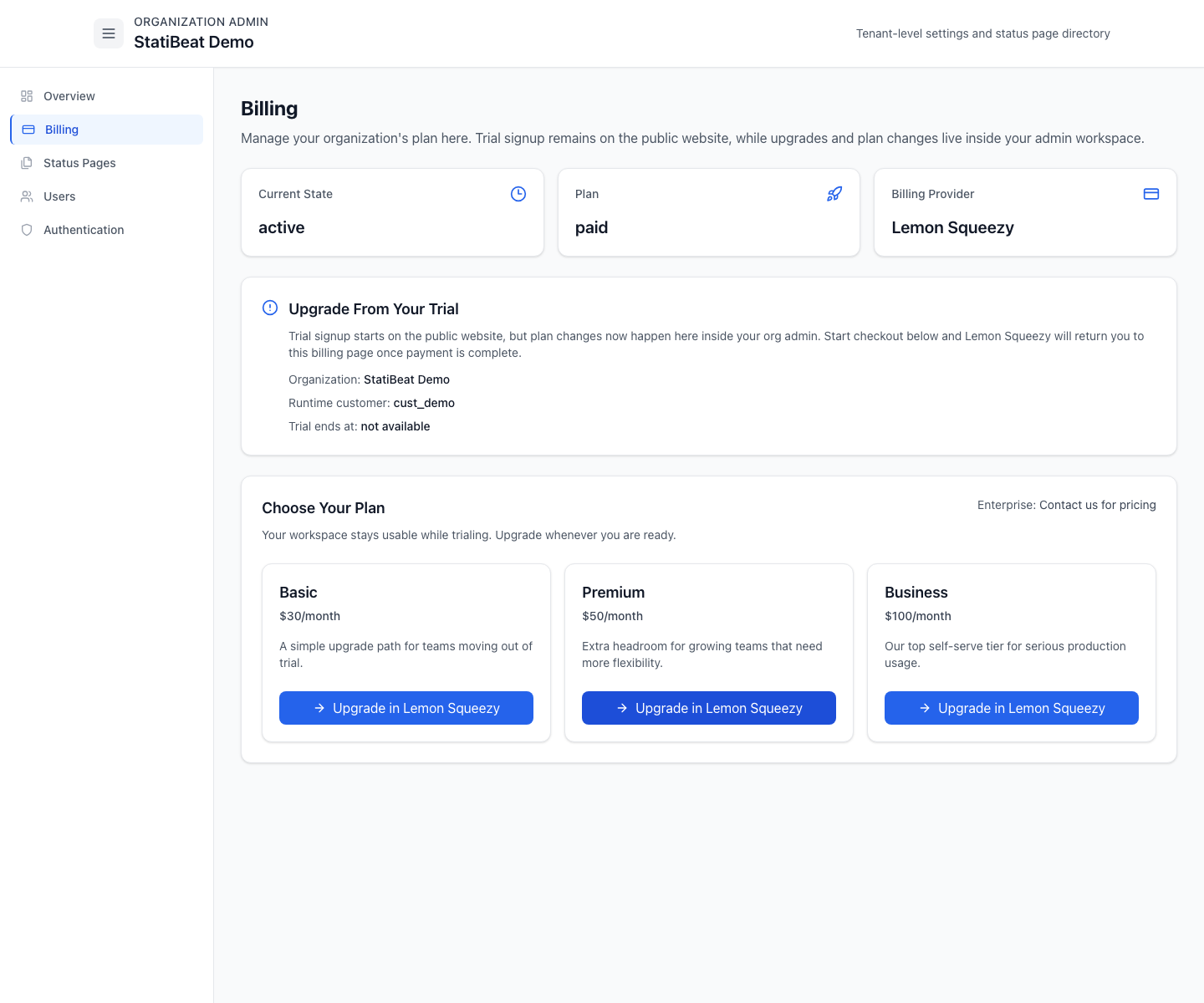
The billing page is the tenant-level plan management surface.
The current implementation shows:
- account mode
- plan type
- billing provider
- trial state
- checkout flow through Lemon Squeezy
- renewal and paid-through timestamps for paid subscriptions
- cancellation state and scheduled downgrades
- delinquent billing warnings and read-only billing states
- trial-workspace deletion approval flow
It also supports plan changes directly from the admin workspace:
- start checkout from trial
- upgrade immediately
- schedule a downgrade for the next renewal
- cancel at period end
- resume a cancellation before the cutoff
- reactivate an expired paid subscription
Authentication
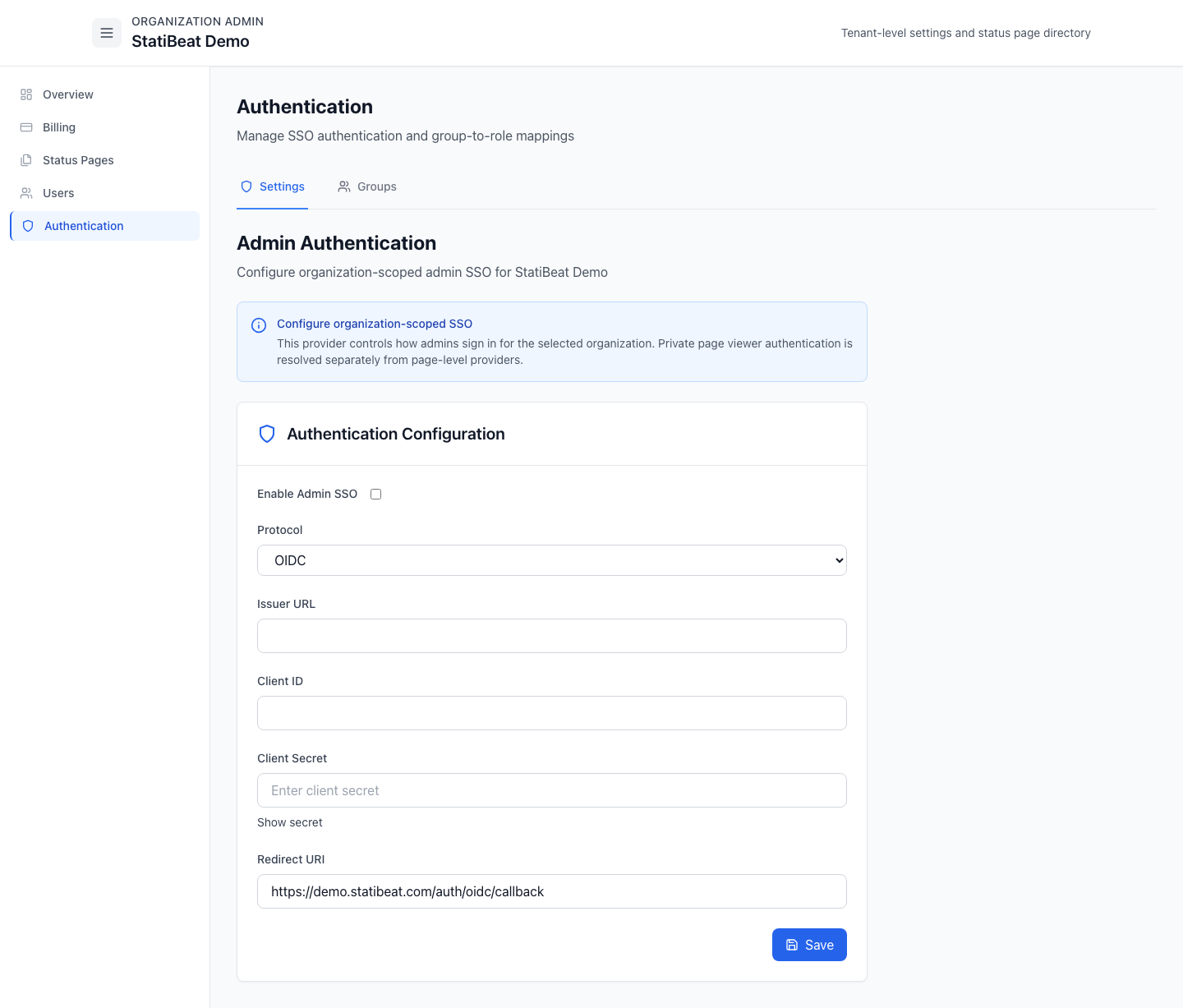
The org admin authentication area is a tabbed workspace for:
- settings
- groups
This is where organization-scoped admin SSO lives.
The current authentication settings support:
- OIDC
- SAML
- enable or disable admin SSO
- secret and certificate rotation without re-showing stored values
The Groups tab is available when group mapping is enabled for the workspace and lets admins map identity-provider groups to page-scoped RBAC roles.
Practical guidance
Use org admin when you are:
- creating or deleting status pages
- importing an existing Atlassian Statuspage
- restoring a recently deleted page
- managing tenant users
- controlling billing and plan changes
- configuring organization-wide authentication
Use page admin when you are:
- running incidents
- customizing a page
- managing hierarchy, Beats, AI, Slack, routing, viewer access, domains, access, subscribers, or auditing for a specific page
The product intentionally separates tenant authority from page authority. That makes multi-page setups easier to govern without forcing every org admin to also be an operator on every status page.
What to document internally for your team
It helps to document who owns org-admin actions such as billing, user creation, and page creation versus who owns page-admin actions such as incident handling and public communication. The product supports that separation, but your team process still needs to make it explicit.
Related docs
- See Page Access
- See Page Domains
- See SSO and Access