How Custom Views Work
Custom views let you publish a scoped version of your status page for a specific audience, team, or customer segment.
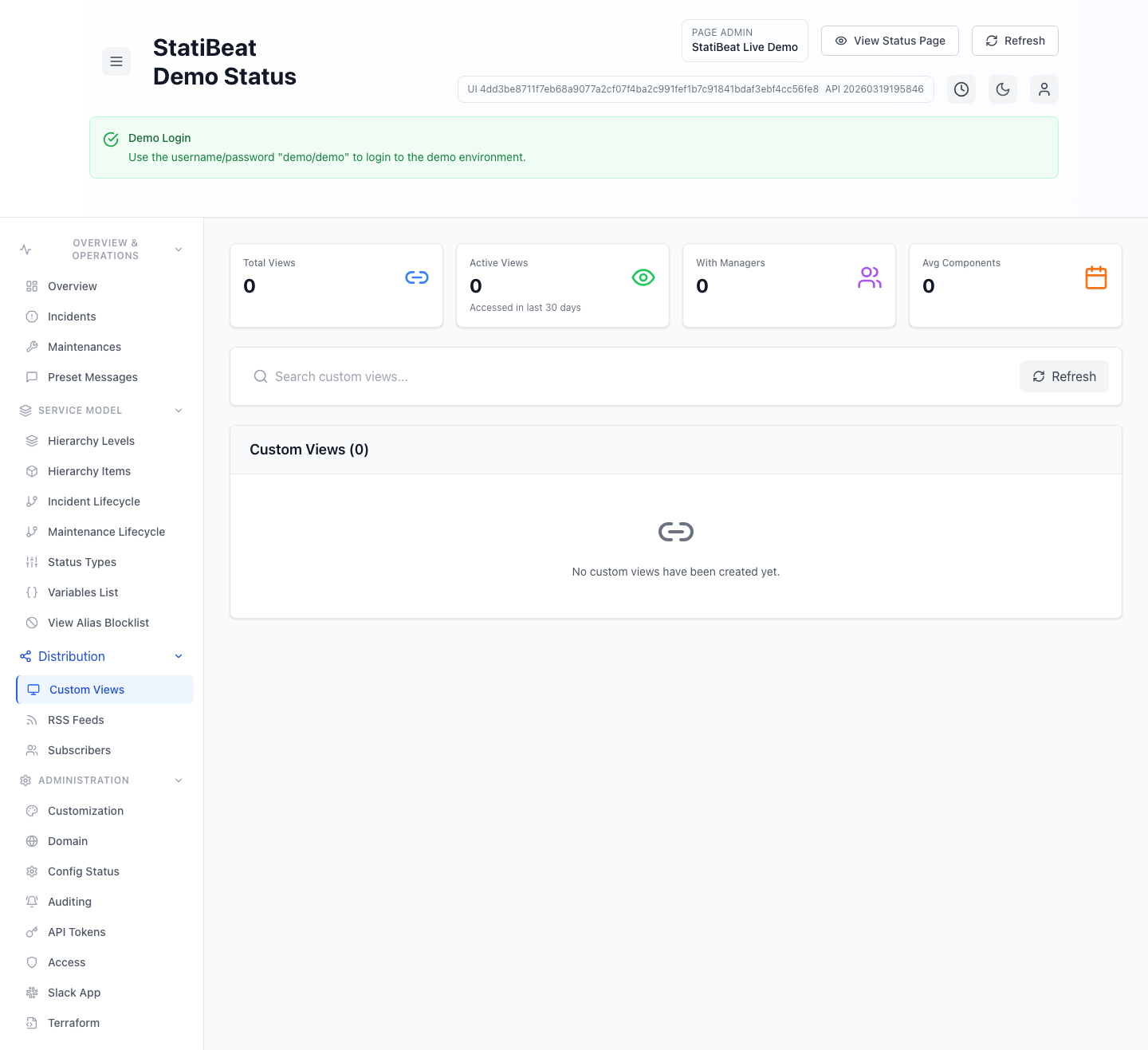
Use a custom view when one audience only cares about a subset of your hierarchy and does not need the full page.
This guide is based on:
application/frontend/src/pages/admin/CustomViewsManagement.jsxapplication/frontend/src/pages/CustomViewPage.jsxapplication/frontend/src/pages/SubscriberManagementPage.jsxapplication/backend/cmd/server/routes.go
What a custom view is
At a high level, a custom view is:
- a named view
- tied to selected component IDs
- accessible by short code
- optionally given a URL alias
- manageable by owners and managers
The public page for a custom view is loaded by code, and the current frontend route is:
/v/:code
The backend also exposes:
GET /views/:codeGET /views/:code/data
What customers see
The current custom-view page renders a scoped status experience instead of the full page.
From the current frontend implementation, that public experience can include:
- the custom view name and description
- monitored component count
- overall scoped status
- active incidents relevant to the selected components
- resolved incidents relevant to the selected components
- a scoped hierarchy tree
- share support
It can also surface a warning if components referenced by the view have been deleted or are otherwise unavailable.
How a view is defined
The admin-side custom-view management flow supports:
- name
- description
- URL alias
- component selection
- manager management
From the implementation, admins can:
- search views
- open a management modal
- update the definition
- change component scope
- add and remove managers
- delete the view
Short code versus alias
The current product uses a short_code as the durable identifier for a custom view.
The admin UI also supports a friendlier alias.
In practice:
- the short code is the stable system identifier
- the alias is the nicer human-facing URL label when you want one
The current product also includes a page-admin View Alias Blocklist screen for reserved aliases that should never be used by custom views.
That means an alias can be rejected even when it looks valid syntactically. Reserved words such as admin paths or unsafe labels should be blocked there rather than discovered accidentally later.
If you are documenting or automating around custom views, treat the short code as the safer source of truth.
Management and ownership
Custom views support manager workflows in both page-admin and self-service flows.
The current backend exposes management endpoints for:
- requesting a magic link
- validating a management token
- updating a view
- deleting a view
- listing managers
- adding managers
- removing managers
- transferring ownership
That means a custom view is not just a static filter. It is a managed resource with access and ownership workflows.
Self-service management
The subscriber management workspace also includes custom-view management.
From the current frontend code, a managed custom-view workflow can include:
- discovering available custom views
- creating a new custom view
- editing a selected custom view
- selecting specific components for the view
- managing managers
This is what makes custom views useful beyond internal admin teams. They can also be delegated to resource owners and managers through the broader self-service model.
When to use a custom view
Custom views are a good fit when:
- one customer only uses part of your platform
- one internal team only needs one service area
- you want a stable scoped link instead of telling people to mentally ignore most of the page
Custom views are a weaker fit when:
- the audience really needs the full service picture
- the scoped component set changes constantly
- a single alias would create more confusion than clarity
Custom views versus the main public page
Use the main public page when you want:
- a broad service picture
- all major incidents and maintenance in one place
- the full hierarchy
Use a custom view when you want:
- narrower audience scope
- fewer components
- only the incidents relevant to that audience
A simple way to think about it
The main status page answers “what is happening across our service.” A custom view answers “what is happening in the part of the service that matters to you.”